
Recipes simulate: a plus from Fujifilm.
In this article, I want to talk to you about recipes simulate Fuji and their benefits.
Okay, perhaps if I simply say film simulations, it might sound more familiar to you, right?
What are film simulations.
Fujifilm enthusiasts will be well aware of what I’m talking about, but for those who may not know, let’s see what these simulations are. Then I’ll talk to you about recipes.
Fujifilm film simulations are a set of pre-set profiles available in Fujifilm mirrorless cameras, designed to emulate the look of various types of traditional photographic film produced by Fujifilm itself and other manufacturers.
Film simulations may include profiles such as “Velvia” for vivid and saturated colors, “Provia” for natural and versatile colors, “Astia” for softer and more delicate tones, “Classic Chrome” for a vintage color rendition, and many more.
Why use them.
Simply because you can achieve a specific look in your images.
Additionally, you won’t need to resort to complex post-processing.
In addition to those already mentioned, modern Fujifilm cameras offer a wide range of film simulations.
Thanks to them, you can experiment and find the look that best suits your aesthetic preferences or the type of scene you are photographing.
Attention…
These simulations are effective on JPG files. They are not applied to raw files, but you can add them using any raw converter.
However, I can assure you that if the shot is good, JPG files are also well manageable.
And what are the recipes simulate Fuji?
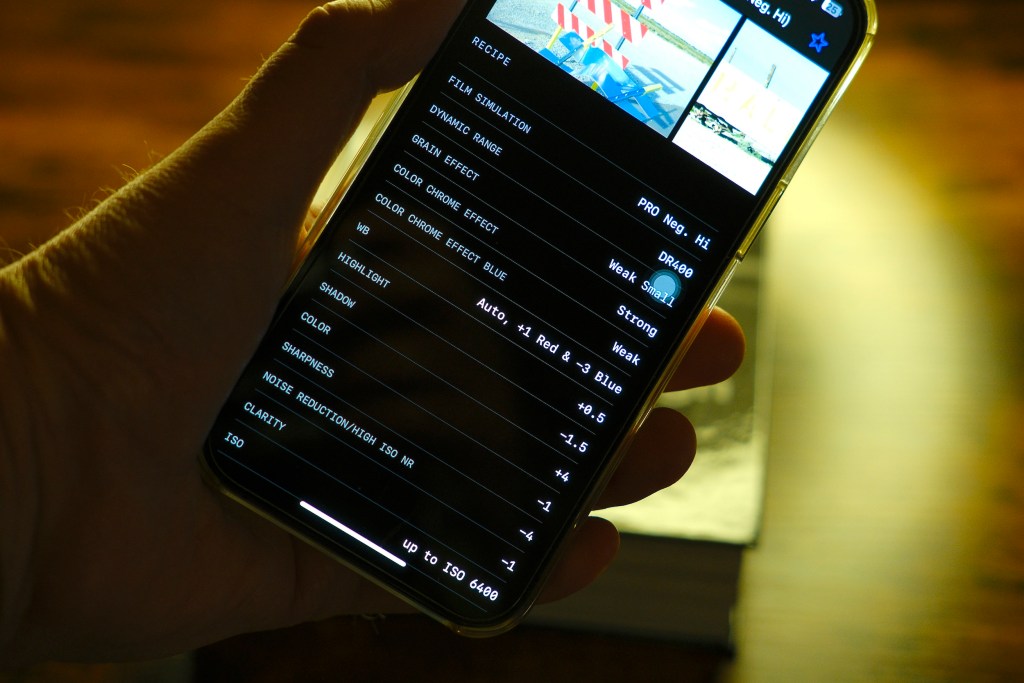
Here come into play the recipes simulate Fuji, which are the creation of your own film simulations.
These recipes are obtained by accessing the camera settings and are used to create unique and customized visual effects.
Advanced Fujifilm cameras allow you to adjust various parameters such as contrast, saturation, hue, sharpness, and tone curves.
Thanks to these adjustments, you can create a specific look that fits your preferences or the needs of the photographed scene.
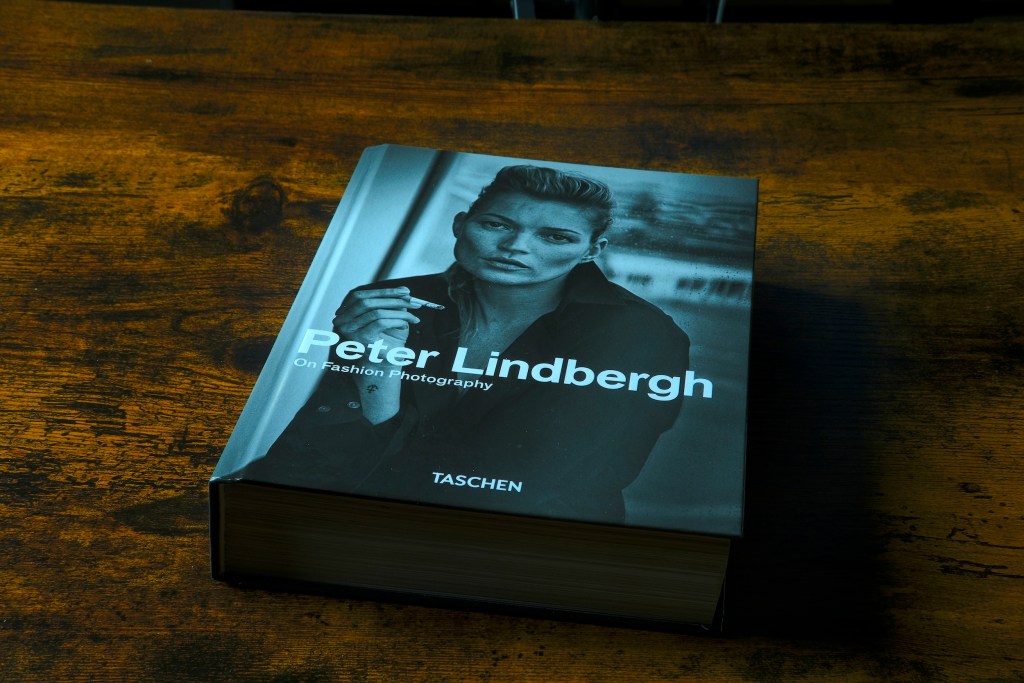
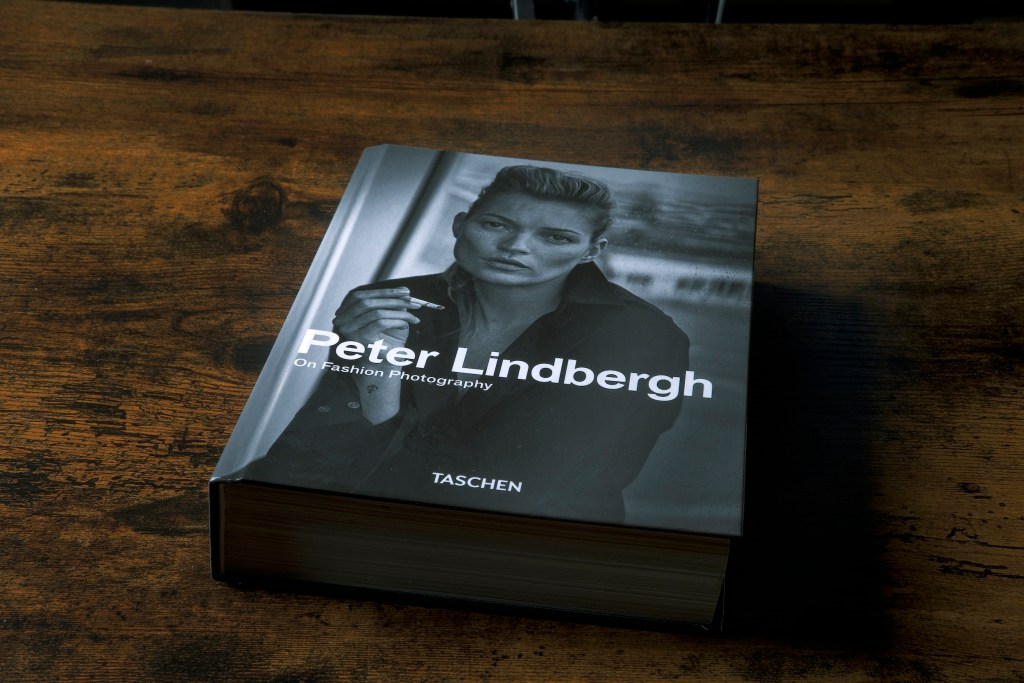

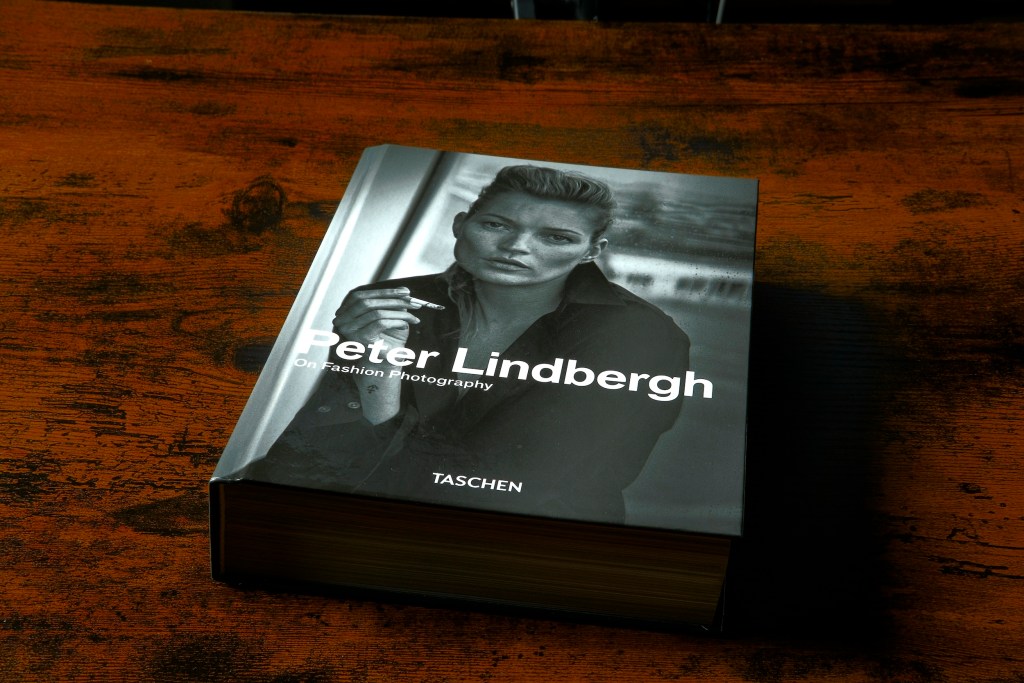
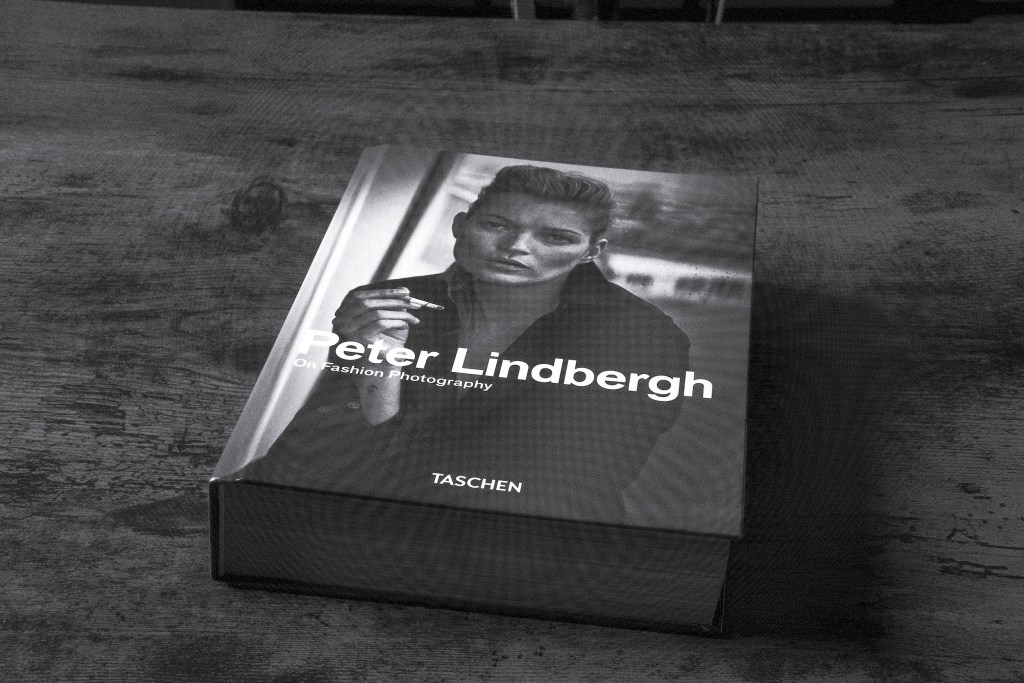
Too complicated?
Okay, these maneuvers might initially take some time, but once you get the hang of it, everything will become very simple and quick, and you’ll be able to create your film simulations in no time.
Know that photography enthusiasts often share their recipes simulate Fuji online through forums, blogs, and social media, allowing others to replicate and experiment with new looks.
Lastly, know that these customizations also work with the use of external flashes.
FujiXWeekly.
As mentioned earlier, you can find them on various dedicated forums, but there are also dedicated apps.
One of the most well-known is FujiXWeekly, available for both Android and iOS.
Here, you’ll find numerous recipes simulate Fuji with all the values you need to set to create your personalized profiles.
If you don’t want to download the app, you can find everything at this link:
Procedure.
Now I want to show you which parameters to set on the camera.
In addition to what’s written, I’ve created a video which you’ll find below.
Preface.
Nota: questo tutorial è stato testato sulla x-T5 ma è adattabile per tante altre macchine Fuji.
However, the FujiXweekly app will indicate if these recipes are available for your camera.
Let’s begin…
1 – The first thing you’ll need to do is assign the quick function button to access the page dedicated to simulations.
2 – Download the FujiXweekly app and search for the recipes, making sure they are compatible with your camera (it’s written on the recipes).
3 – On the camera, enter the IQ menu, Modify/Save Custom Settings (page 3).
4 – Assign a name to the profile.
5 – Select Modify/Verify and set all the parameters suggested by FujiXWeekly.
6 – Recall the profile from the button assigned in step 1.
Video Tutorial
Here’s a video where I explain what’s written above.
Conclusions.
In conclusion, using these film simulation recipes will offer you a range of significant advantages.
You’ll be able to recreate the aesthetics and style of traditional films and achieve distinctive and consistent results.
The editing process will be simplified, allowing you to quickly achieve the desired look without having to manually adjust each individual parameter.
Ultimately, you’ll be able to express your creativity in a distinctive and engaging way, enriching the photographic experience and expanding artistic possibilities.
And so…
After examining the benefits of these recipes, will you try using them in your photographic practice?
If yes, which film simulations are you most interested in, and how do you think they can enrich your photographic work?
Hugs,
Leonardo
